Concox GT300 Manual
Manual for connecting the Concox GT300 GPS tracker to the application
Set up the Concox GT300 GPS tracker according to the instructions below to use the our GPS Server and application.
Settings for GPS device configuration
Set the following data in the device configuration :
APN: appropriate for your SIM operator
Server: server1.floomligps.com
Port: 5023
Platform: Floomli GPS
How to add and connect a device?
Sign in to Floomli GPS, add your tracker using its identifier (such as its IMEI), then configure the SIM APN, server and port as shown above. Check that the tracker is connected and reporting positions.

Your account
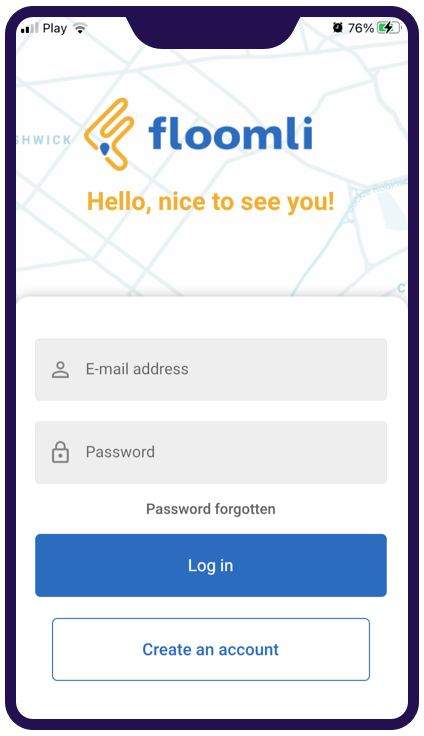
Create an account to access the mobile app.

Add a vehicle in the application
Add your GPS device in the application on phone or computer. Enter the device name and IMEI number. Once the device is configured, it will send its position to our GPS platform.

Configure your device
Configure your GPS device according to the manufacturer's instructions by setting the above APN, Server, and Port values.
Access from mobile app
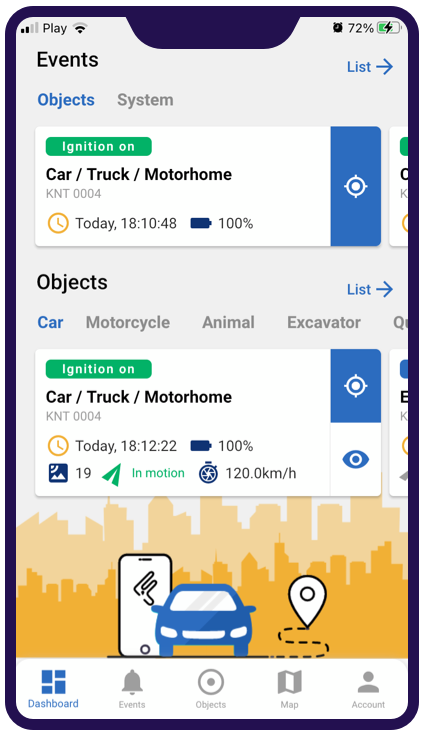
Monitor object parameters
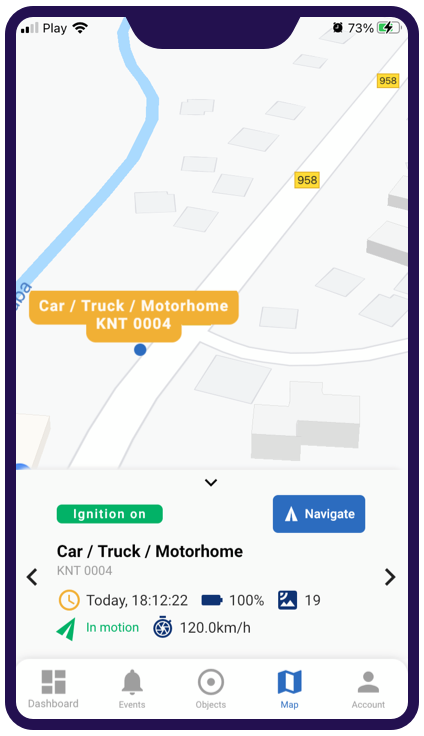
Find objects position on map