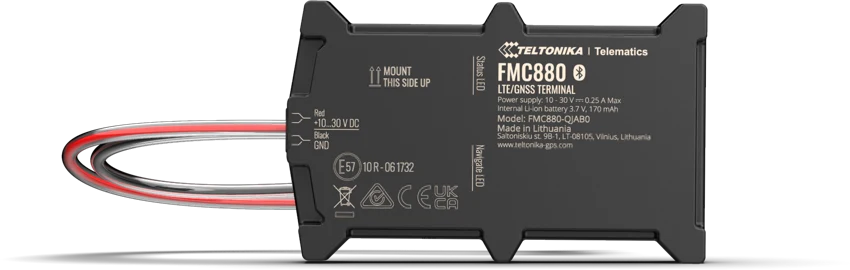
Teltonika FMC880
Quick battery connection
Connects to the vehicle battery using clamp connectors.
Find the right tracker for the way you use it. Compare installation, power and vehicle data - then choose your hardware and connect it to Floomli.
What do you want to track?Choose your use case. We’ll show you where to start and when to consider another model.
FMC880 for a quick battery connection; FMC920 for a protected wired installation. Both cover everyday location, trips and alerts. Choose FMC003 to plug directly into the OBD socket.
Quick battery connection
Connects to the vehicle battery using clamp connectors.
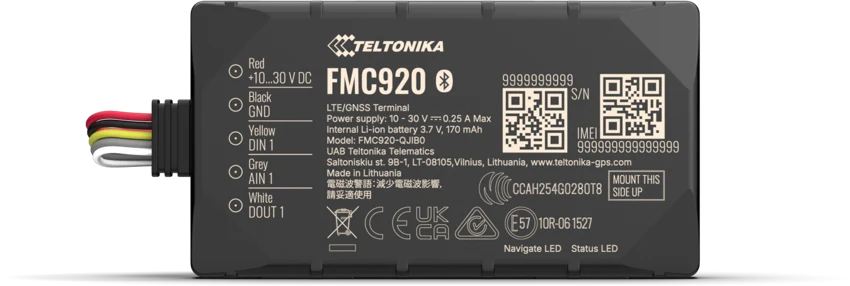
Everyday vehicle tracking
Wired to vehicle power. Fits a protected installation inside the vehicle.
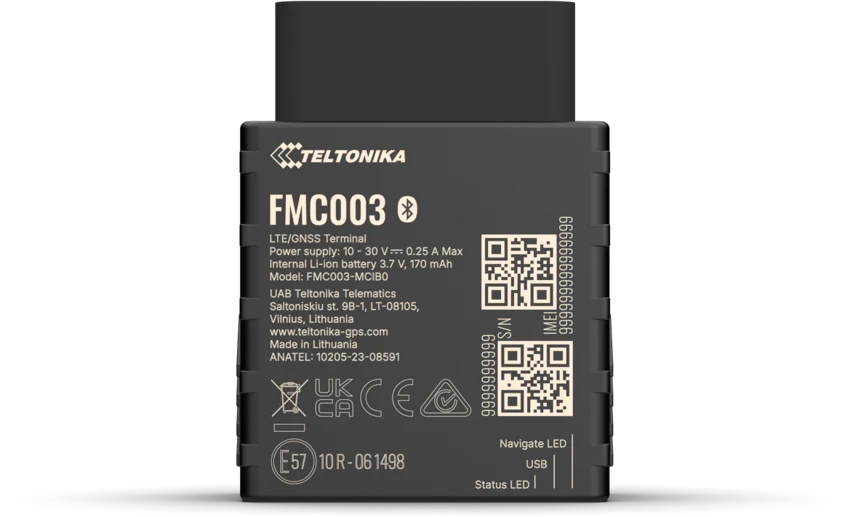
Plug into the OBD socket
Powered directly from the vehicle’s OBD socket.
All five use 4G. The real difference is how you install them, what powers them and which data you need.
Trip history, reports and some alerts require a suitable paid plan. Working-time reports describe vehicle activity.
IP54Everyday vehicle tracking
Ignition-on alerts require the device to be configured to detect ignition correctly.
Explore model Manufacturer specifications ↗IP65Quick battery connection
Ignition-on alerts require the device to be configured to detect ignition correctly.
Explore model Manufacturer specifications ↗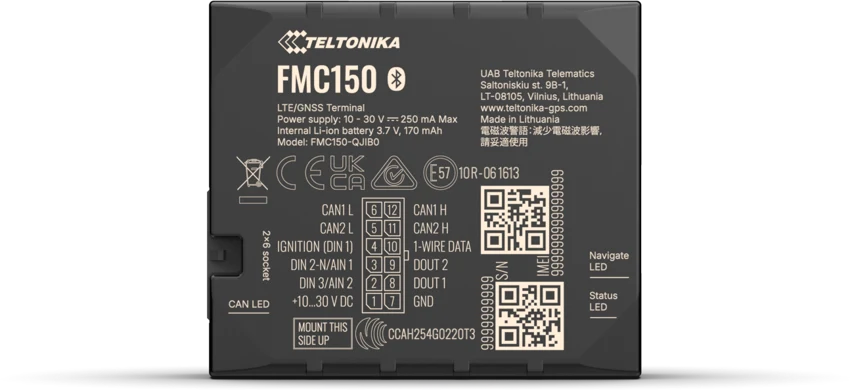 CAN
CANCAN data & tachograph
Fuel reports require the supported vehicle to supply fuel-level and consumption data.
Tachograph features require a compatible tachograph, wiring and TachoSync setup.
Explore model Manufacturer specifications ↗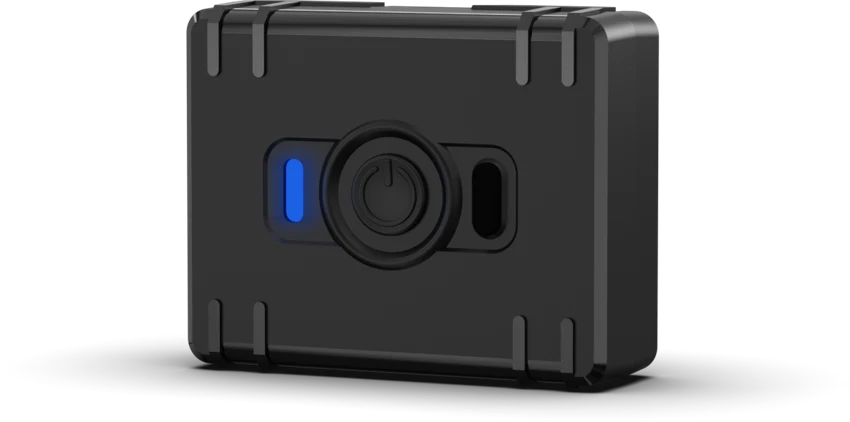 GNSS
GNSSEquipment without vehicle power
Location, history and alerts update according to the configured reporting interval.
Explore model Manufacturer specifications ↗OBDPlug into the OBD socket
Available fuel reports depend on the data the vehicle supplies over OBD.
Explore model Manufacturer specifications ↗FMC150 can read supported vehicle data and work with TachoSync for remote tachograph downloads. Confirm the tachograph model, wiring, supported firmware and company-card authorisation for the download service. Buying a CAN tracker alone does not complete this setup.
Manufacturer specifications ↗Floomli is the software layer for live tracking, history, notifications and guided Teltonika configuration.
The list follows the selected destination and model. Confirm stock, device region, delivery and price with the seller.
WISP.PLTeltonika FMC920Check price and availability →WISP.PLTeltonika FMC880Check price and availability →WISP.PLTeltonika FMC150Check price and availability →GeticTeltonika FMC920Check price and availability →GeticTeltonika FMC880Check price and availability →GeticTeltonika FMC150Check price and availability →GeticTeltonika FMC003Check price and availability →GeticTeltonika ATC700Check price and availability →Nowy ElektronikTeltonika FMC920Check price and availability →Nowy ElektronikTeltonika FMC880Check price and availability →Nowy ElektronikTeltonika FMC003Check price and availability →mirificaTeltonika FMC920Check price and availability →mirificaTeltonika FMC880Check price and availability →mirificaTeltonika FMC150Check price and availability →Find independentlyFind a compatible Teltonika tracker at a seller of your choice. You can connect compatible hardware to Floomli regardless of where you buy it.Find independently ↗Check local offers for regular or IoT SIM cards. The SIM must have internet access and at least 30 MB of data available per month.
Follow the manufacturer’s mounting and wiring instructions. Set up the SIM and server connection, add the device to Floomli and confirm that it reports a current location.
No. You can buy a compatible Teltonika device from an external seller and connect it to Floomli.
Choose FMC880 for a quick battery connection, FMC920 for a protected wired installation or FMC003 for the OBD socket. Consider FMC150 for supported CAN data or tachograph functions.
Yes. Floomli has a Free plan for one device with live tracking and notifications.
Floomli is the software layer for live tracking, history, notifications and guided Teltonika configuration.
Start with Floomli