GPS tracker for car
FMC880 for a quick battery connection; FMC920 for a protected wired installation. Both cover everyday location, trips and alerts. Choose FMC003 to plug directly into the OBD socket.
Quick answer
FMC880 for a quick battery connection; FMC920 for a protected wired installation. Both cover everyday location, trips and alerts. Choose FMC003 to plug directly into the OBD socket.
What to look for
- 4G/LTE connectivity
- Reliable power installation
- Movement and ignition detection
- Compact installation
- Compatibility with Floomli
Devices for this use case
FMC880 for a quick battery connection; FMC920 for a protected wired installation. Both cover everyday location, trips and alerts. Choose FMC003 to plug directly into the OBD socket.

Teltonika FMC880
Quick battery connection
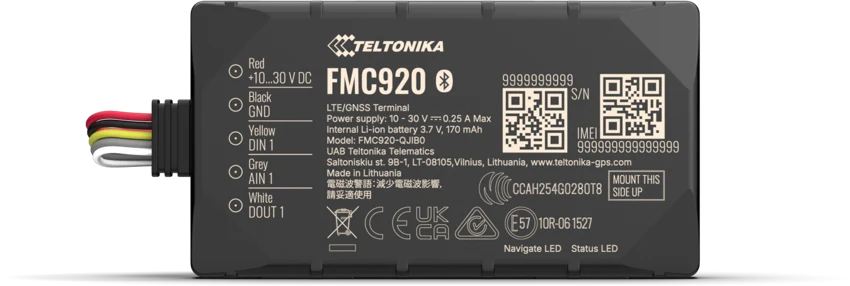
Teltonika FMC920
Everyday vehicle tracking
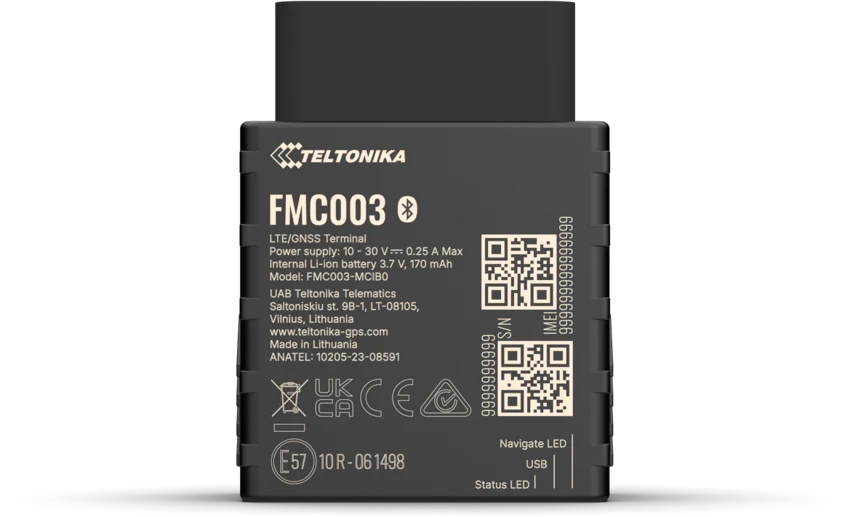
Teltonika FMC003
Plug into the OBD socket
Why this choice
- Choose it for
- A compact choice for location, trips and movement alerts in a car, motorhome or van.
- Installation & power
- Wired to vehicle power. Fits a protected installation inside the vehicle.
- Before you choose
- Choose FMC150 instead if you need fuel or odometer data from CAN.
Alternatives
Choose FMC880 for quick IP65 installation, or FMC150 when supported CAN data matters.
Use it with Floomli GPS
Floomli is the software layer for live tracking, history, notifications and guided Teltonika configuration.
Where to buy your GPS tracker
The list follows the selected destination and model. Confirm stock, device region, delivery and price with the seller.
mirificaTeltonika FMC920Check price and availability →GeticTeltonika FMC920Check price and availability →Nowy ElektronikTeltonika FMC920Check price and availability →WISP.PLTeltonika FMC920Check price and availability →Find independentlyTeltonika FMC920Find a compatible Teltonika tracker at a seller of your choice. You can connect compatible hardware to Floomli regardless of where you buy it.Find independently ↗Choose a SIM before you install the tracker.
Check local offers for regular or IoT SIM cards. The SIM must have internet access and at least 30 MB of data available per month.
Install it, connect it, check the first position.
Follow the manufacturer’s mounting and wiring instructions. Set up the SIM and server connection, add the device to Floomli and confirm that it reports a current location.
Frequently asked questions
Can I use FMC920 with Floomli?
Yes. FMC920 has a dedicated Floomli model page and configuration path.
Do I need to buy from a specific store?
No. The seller links are optional purchase references; Floomli works independently of the shop.
Related GPS guides
Floomli GPS
Floomli is the software layer for live tracking, history, notifications and guided Teltonika configuration.
Start with Floomli